AOMEI Cyber Backup Bootable Media Creation Tool
What is AOMEI Cyber Backup Bootable Media Creation Tool?
The Bootable Media Creation Tool is used for the creation of Windows PE, which is a lightweight version of the Windows operating system, designed specifically for deployment, troubleshooting, and recovery purposes. It provides a minimal set of features to boot a computer and prepare it for Windows installation, or to diagnose and fix problems when the main OS cannot boot. In AOMEI Cyber Backup, when you are performing a Windows restore, if there are issues with entering Restart Mode that cause the restore to fail, you can use this tool to manually create a bootable disk to restore the backup.
How to Create AOMEI Cyber Backup Bootable Media
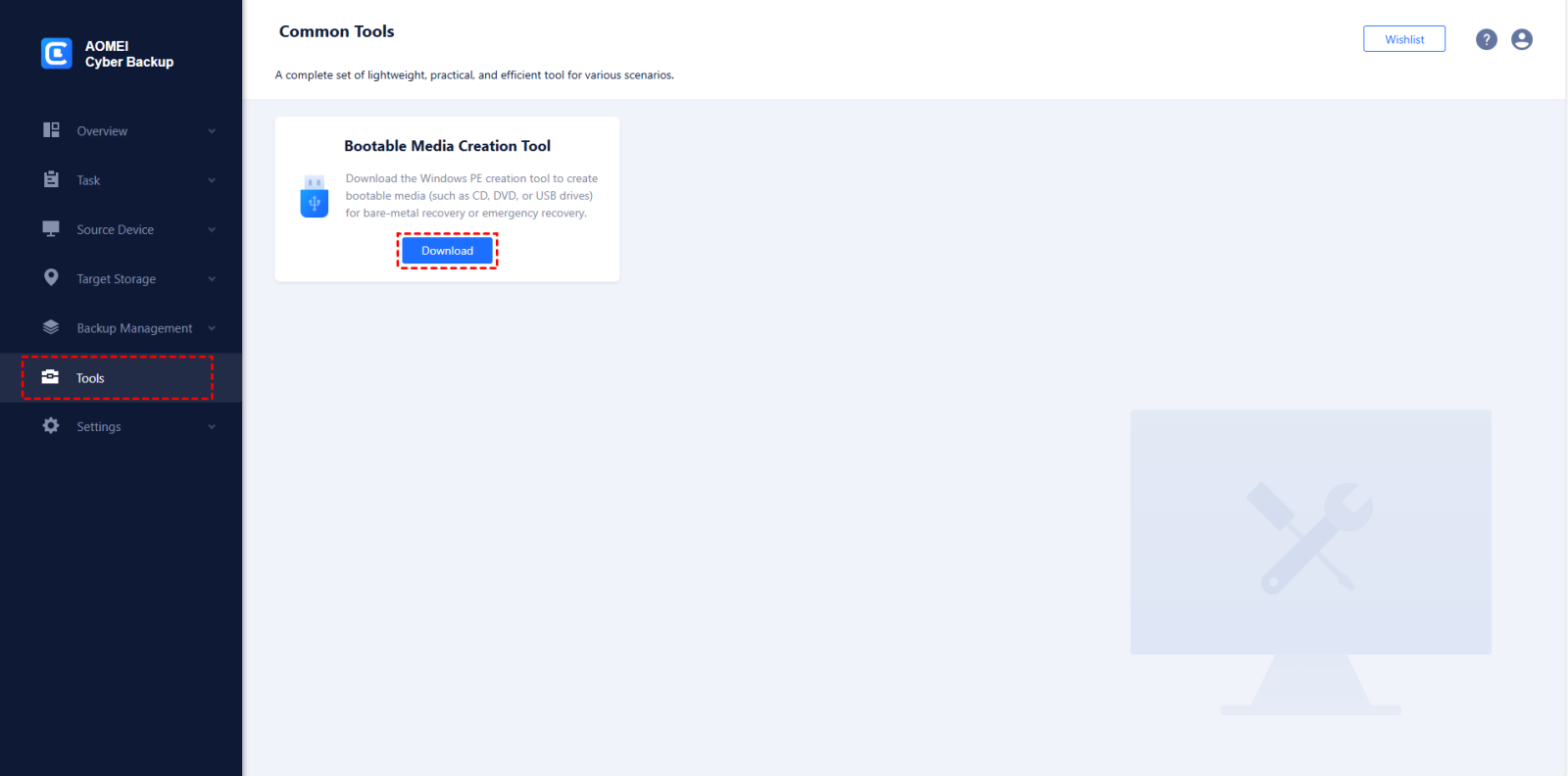
1. Click "Tools" on the left menu bar, and you will see the "Bootable Media Creation Tool". Click "Download" to download the tool to your computer.
2. Find the downloaded file "MakeDisc_Setup.exe" in the default download path of your web browser and follow the prompts to install it.
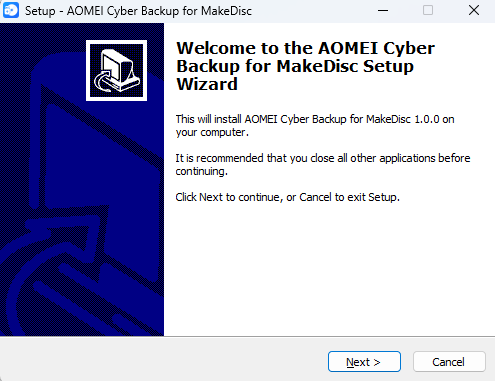
3. After installation, run the desktop shortcut "AOMEI Cyber Backup for MakeDisc". Click "Next" to continue the operation.
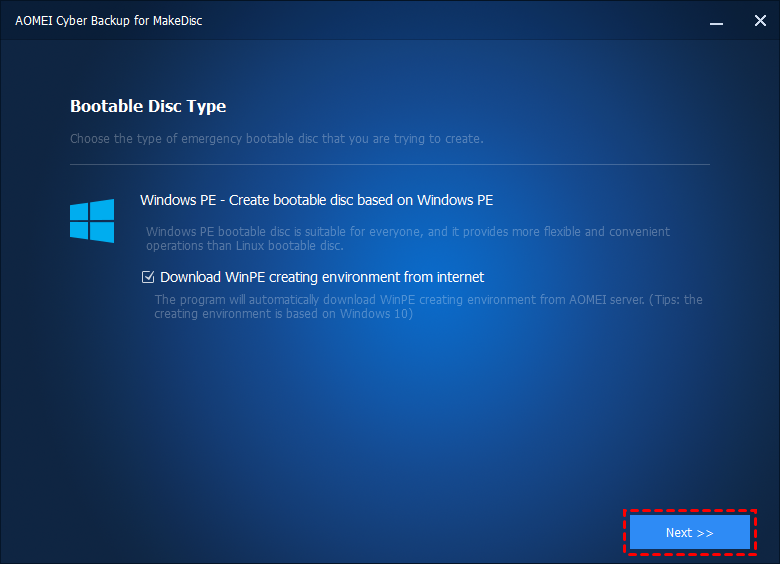
Note: If the "Download WinPE creating environment from internet" option is ticked, the Windows Recovery Environment will be downloaded before making Window PE. When there is a network connection and it is detected that the system does not have a WinPE creating environment, this option will be ticked automatically.
4. You can specify the storage media to create the WinPE.
Burn to CD/DVD: Create a bootable CD/DVD directly.
USB Boot Device: Create a bootable USB drive directly.
Export ISO File: Export as a bootable ISO, which can then be burned to CD/DVD/USB using third-party burning tools.
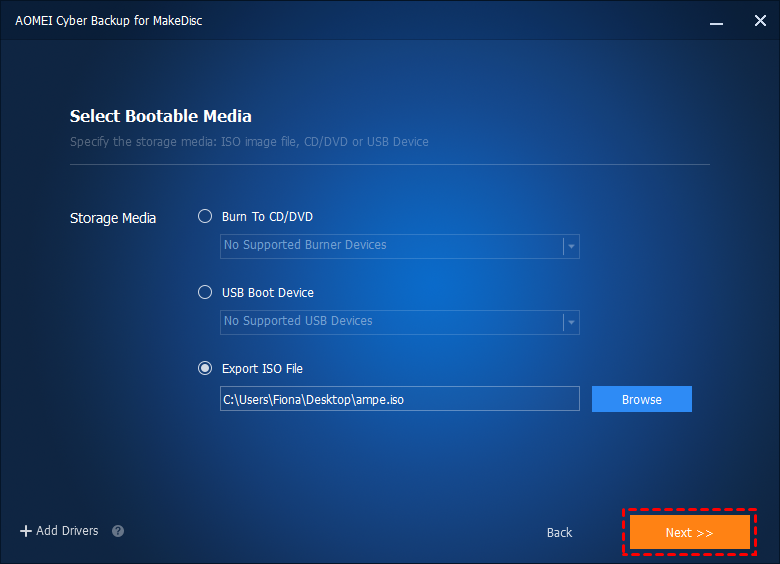
Tips: You can also click the "Add Drivers" button to add the "inf" files of that driver you need on your computer.
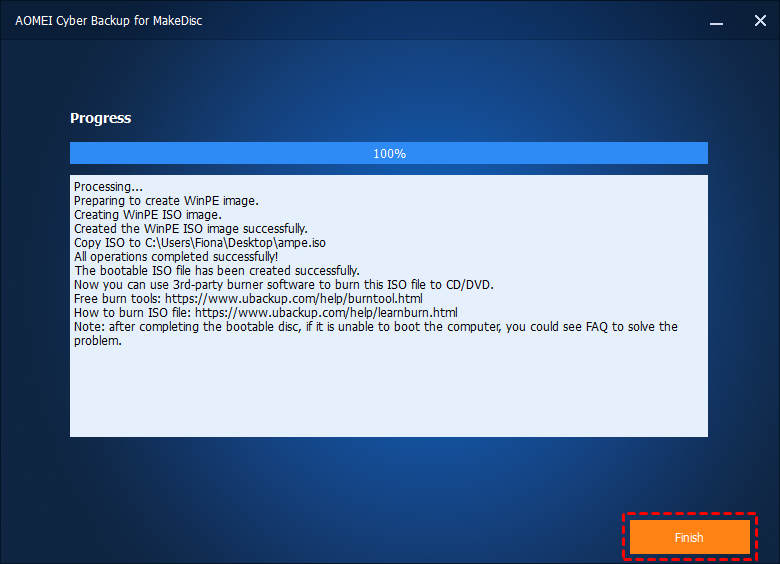
5. Wait for the process to complete and click "Finish".
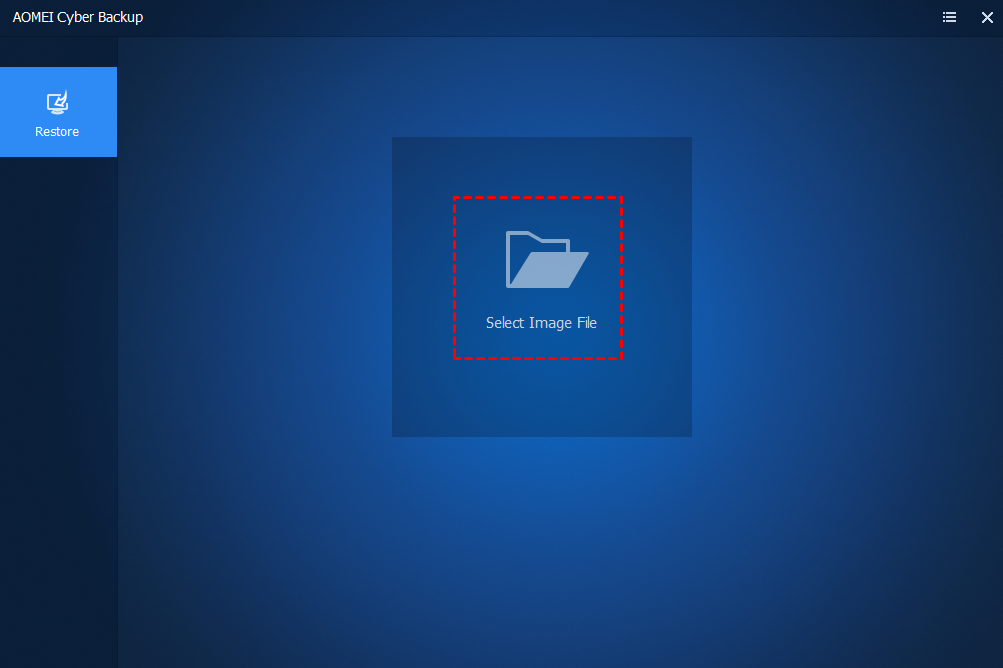
6. Reboot your agent computer and enter into BIOS and set the computer to boot from USB/CD/DVD. You will then see this AOMEI Cyber Backup with Restore interface. Click "Select Image File" and then select the system/disk backup image to continue the restore operation.
Notes:
1. Bootable Media Creation Tool is unable to create bootable media on a GPT type USB stick or external hard drive/SSD.
2. The created bootable media supports both UEFI and Legacy BIOS boot modes. But bootable disks made by 32-bit systems only support the traditional Legacy boot mode. If you need to support UEFI boot mode, please first tick the "Download WinPE creating environment from internet" option and then recreate the bootable disk.